
Scoring carries on whatever happens to the live view. Start with the message the viewer sees.
Short answer
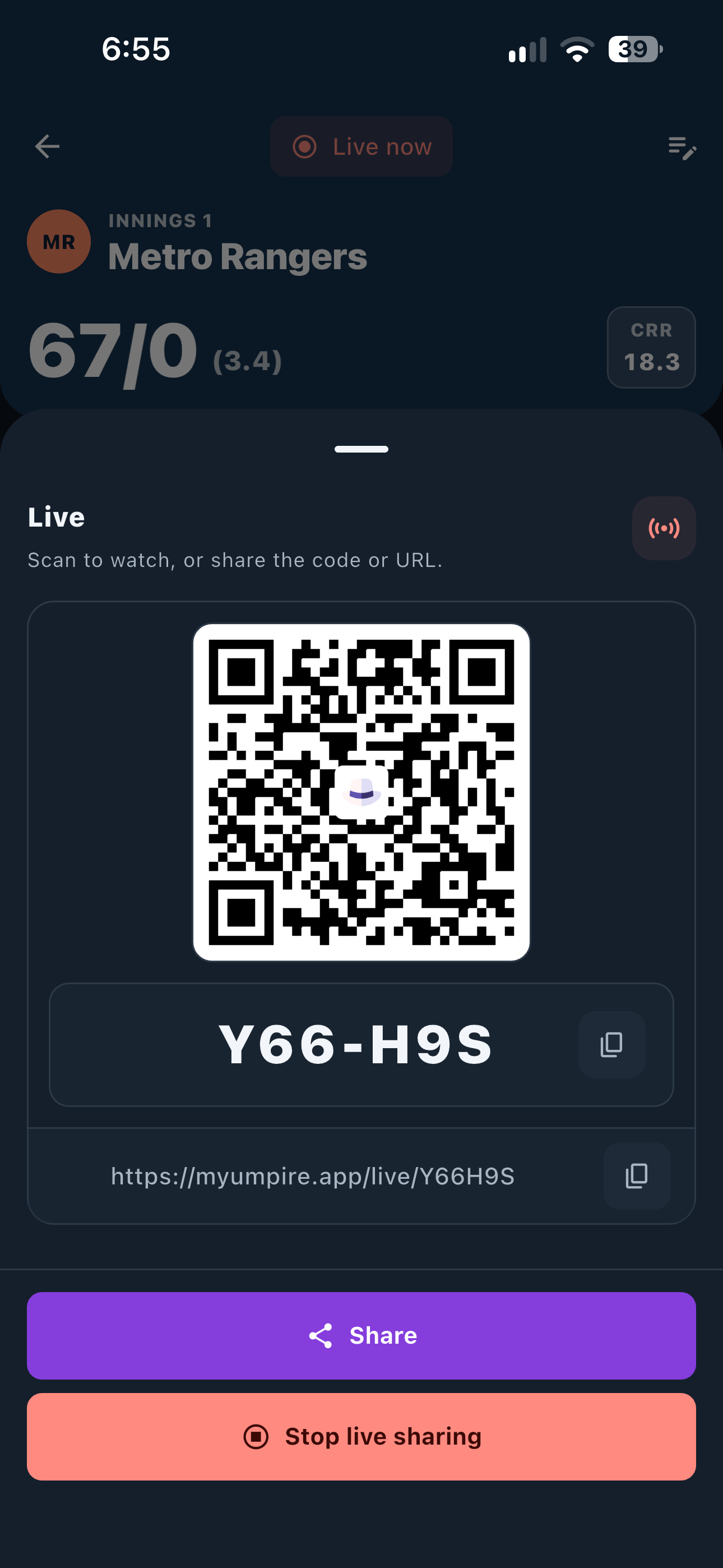
Check that the scoring phone is online, the app is open and the screen says Live now. If sharing has ended, tap Go Live and start it again.
What the viewer sees
| Message | What to do |
|---|---|
| Paused | No recent updates. Check the scorer’s connection and that the app is open. |
| Ended | Sharing stopped or the scorer’s phone lost its connection. If it does not return, the scorer should start it again. |
| Innings break or Waiting | Nothing is wrong. Wait for the next innings to start. |
| Viewer limit reached | Two people are already watching. Try again after one leaves. |
| Match not found | Check the six-character code. |
On the scorer’s phone
- Check mobile data or Wi-Fi.
- Open the match and look for Live now.
- If it shows Go Live, tap it and then Start live sharing.
- Share the code or link again if needed.
Good to know
- Closing the app ends the live broadcast.
- Starting to share another match replaces the previous one.
Frequently asked questions
Will I lose balls scored while offline?
No. The match is saved on your phone. Only the live view needs a connection.