
The match is over and the group chat wants proof.
Short answer
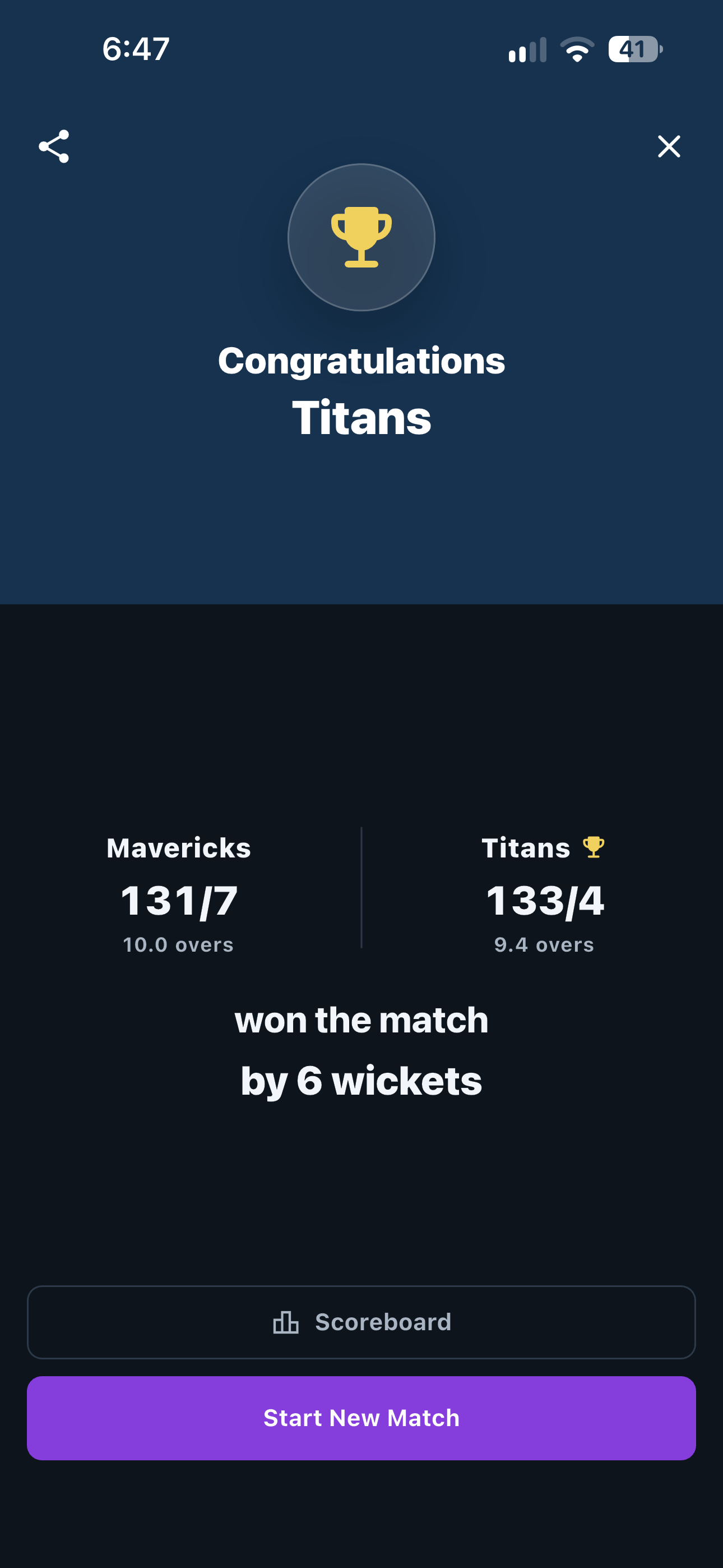
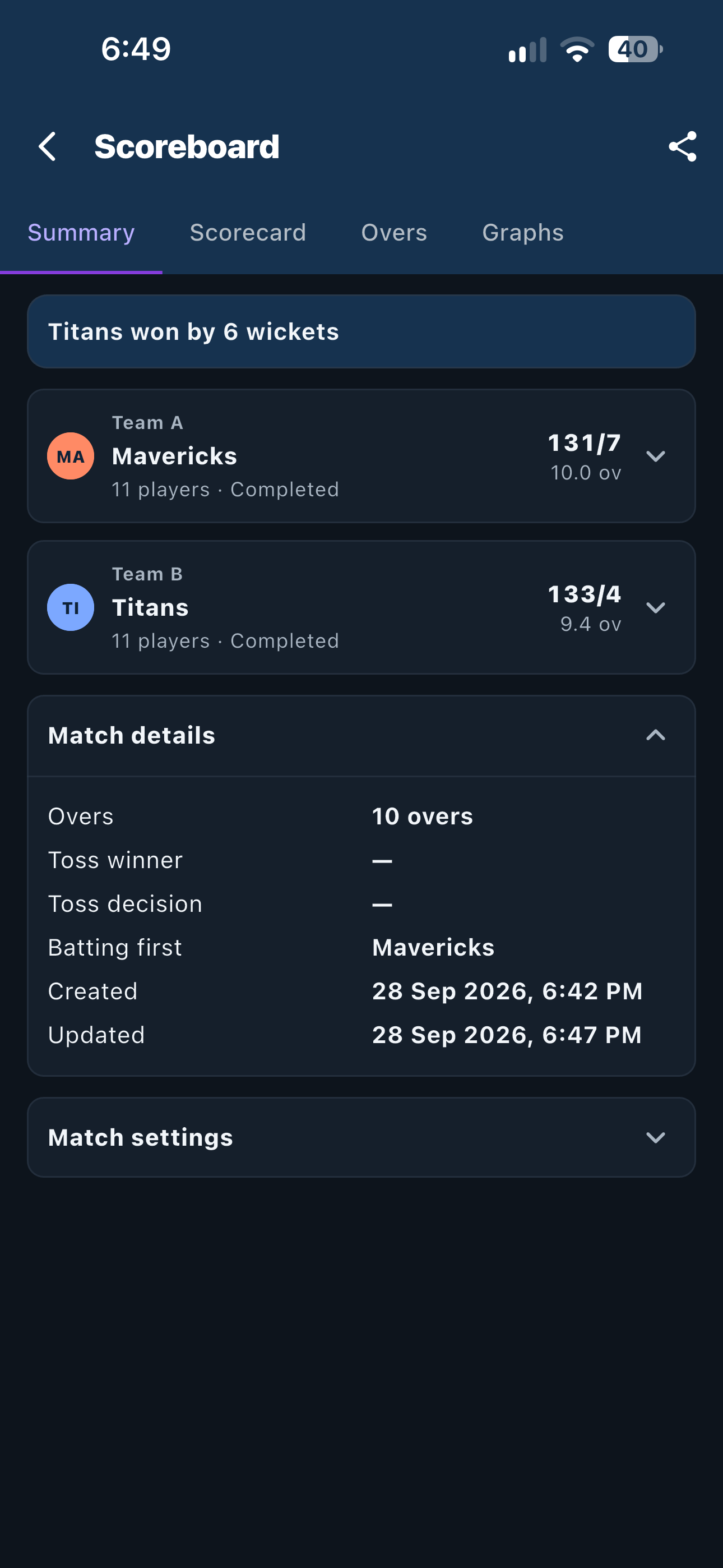
On the result screen, tap the share icon for a result image. Or open the Scoreboard of a finished match and tap Share scorecard.
Share the result
- Finish the match.
- On the result screen, tap the share icon.
- Pick the app you want to send it to.
Share the scorecard
- Open the match and tap Scoreboard.
- Tap the share icon at the top right.
- Wait for the image to be created, then choose where to send it.
Frequently asked questions
Why is there no share icon on the scoreboard?
Scorecard sharing appears once the match is finished.
Can people follow before the match ends?
Yes. Use live sharing, which gives viewers a code to watch in a browser.