
The app asks for a player only when it needs one.
Short answer
In a match with player names, you choose the openers at the start, a new batter after a wicket and a bowler after each over.
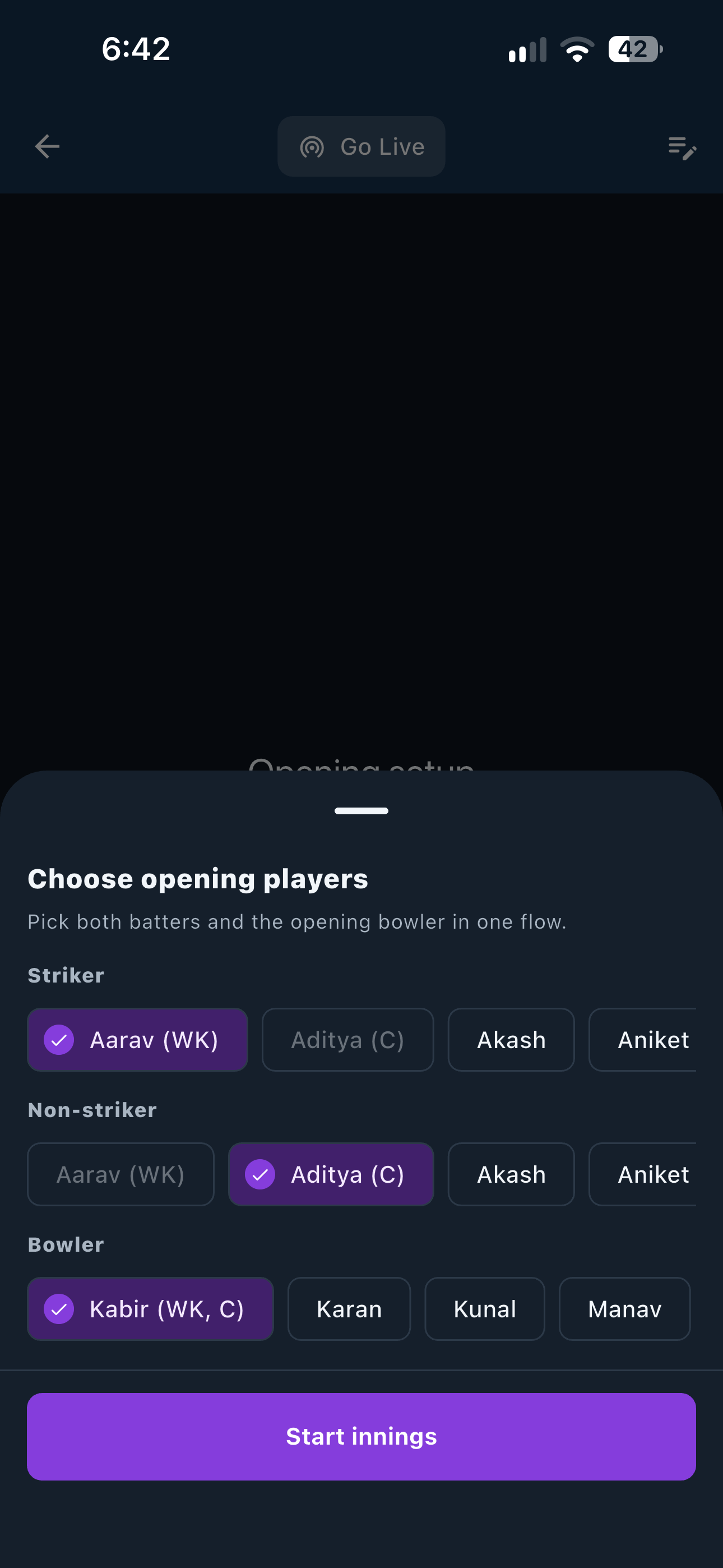
Start of an innings
- Choose the striker.
- Choose the non-striker.
- Choose the opening bowler.
- Tap Start innings.
After a wicket or an over
After a wicket, choose the next batter. Someone who retired hurt can be chosen again to resume.
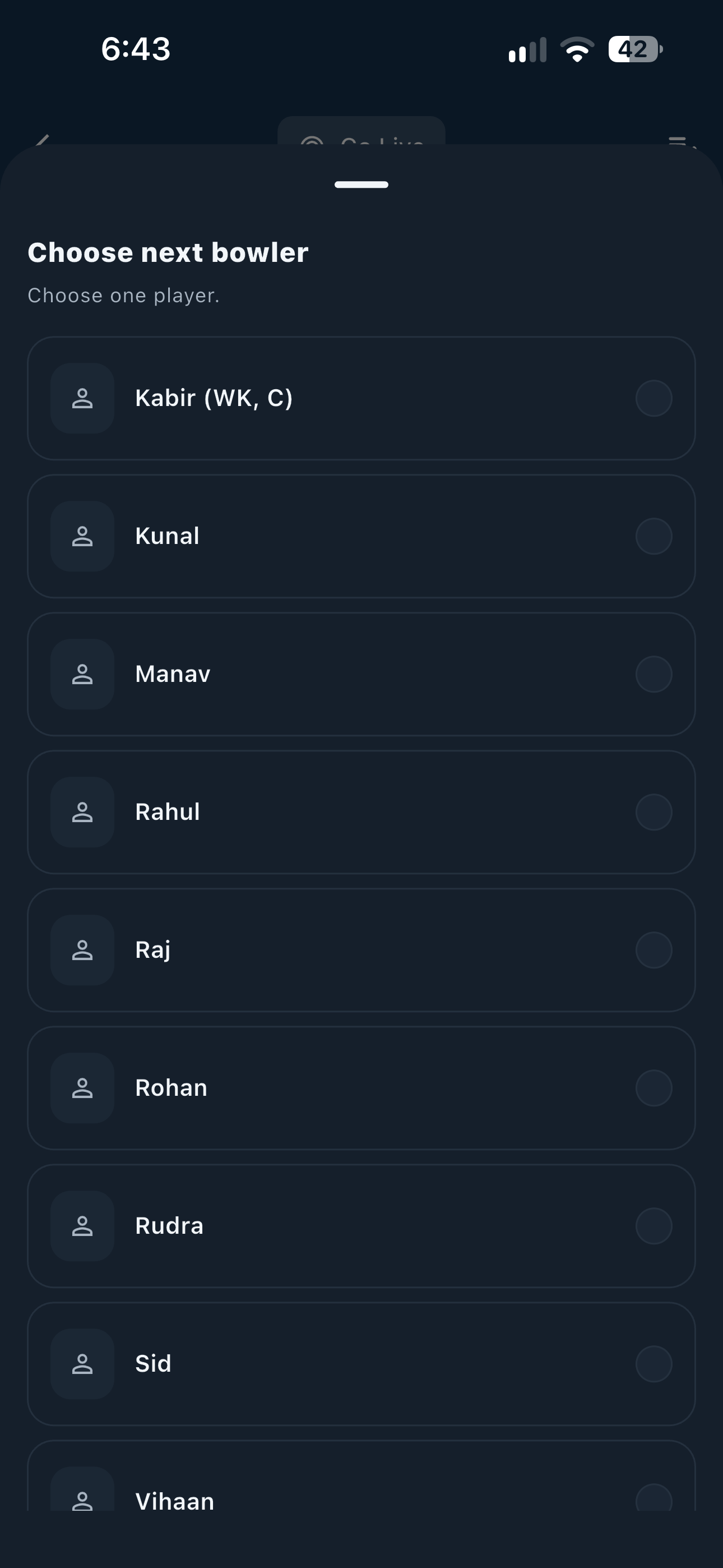
At the end of an over, choose the next bowler. The same bowler cannot bowl two overs in a row.
Fix the strike or the bowler
- Use the swap button between the two batters if the wrong one is on strike.
- To correct the bowler, tap their name before the first ball of the over and choose another.
Quick matches
Without player names the app picks the placeholder batters and bowlers for you. At the end of an over, tap Start next over.
Frequently asked questions
I closed the selection panel. How do I get it back?
Tap Choose batter or Choose bowler on the scoring screen.