
Last man standing is one switch.
Short answer
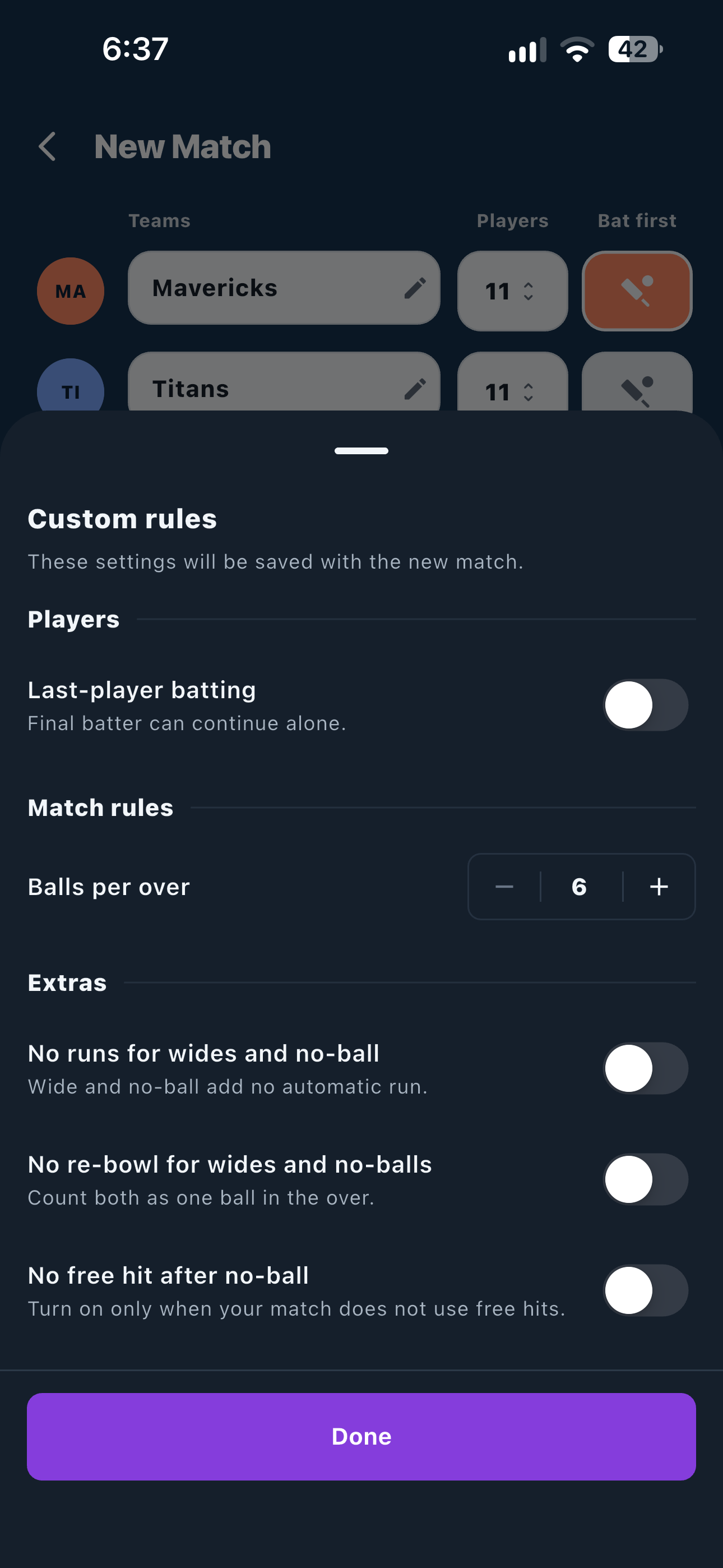
On New Match, open Custom rules, turn on Last-player batting and tap Done.
Turn it on
- On New Match, tap Custom rules.
- Turn on Last-player batting.
- Tap Done and start the match.
What changes
- When the second-last wicket falls, the remaining batter carries on alone.
- The innings ends when that batter is out, the overs finish or the target is reached.
- A team can lose one more wicket than usual: eight wickets for a team of eight.
Agree how the lone batter runs
Teams differ on whether a single batter keeps the strike or may run odd numbers. Settle it before play using the last man standing checklist.
Frequently asked questions
Is last-player batting on by default?
No. Turn it on if your match uses it.