
Local rules differ, so set yours before the first ball.
Short answer
On the New Match screen, open Custom rules, change the settings and tap Done. They are saved with the new match.
Open custom rules
- On New Match, tap Custom rules.
- Switch on the rules your game uses, and set the balls per over.
- Tap Done, then start the match.
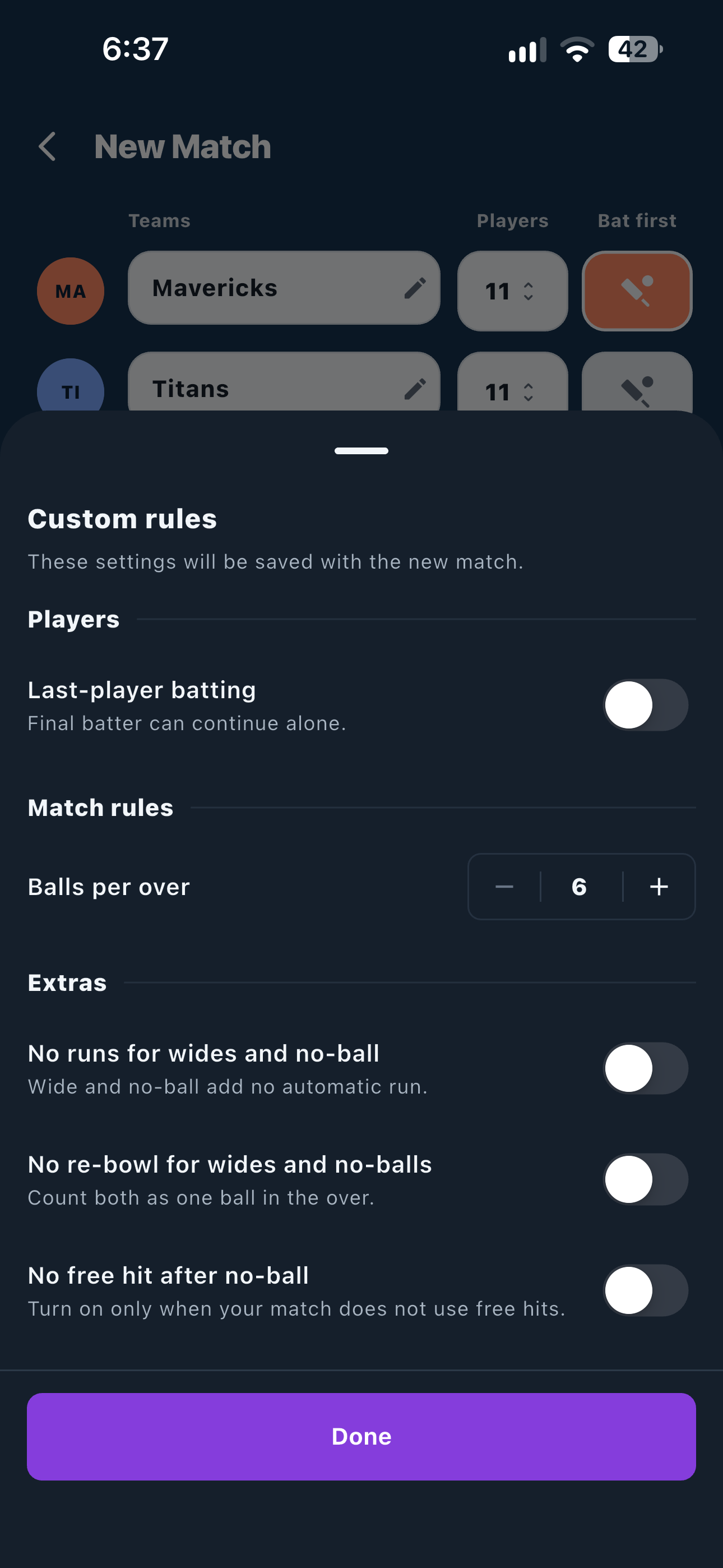
What each setting does
| Setting | When switched on or changed |
|---|---|
| Last-player batting | The final batter can continue alone. |
| Balls per over | Choose from 6 to 12. |
| No runs for wides and no-ball | A wide or no-ball adds no automatic run. |
| No re-bowl for wides and no-balls | Each counts as one of the balls in the over. |
| No free hit after no-ball | The next ball is played as normal. |
Which rules should you pick?
Match them to what both captains agreed. The rule pages explain the usual position on wides, no-balls and free hits and box cricket.
Frequently asked questions
Can I change balls per over during a match?
Only before scoring starts. Once a ball has been recorded it stays as it is.
Is the free hit on by default?
Yes. Switch on “No free hit after no-ball” if your match does not use it.