
Your matches are saved on your phone as you score.
Short answer
Tap Resume on the home screen to continue a match. Tap View all beside Recent matches for the full history.
Resume a match
A match in progress appears at the top of the home screen. Tap Resume to carry on from the last ball.
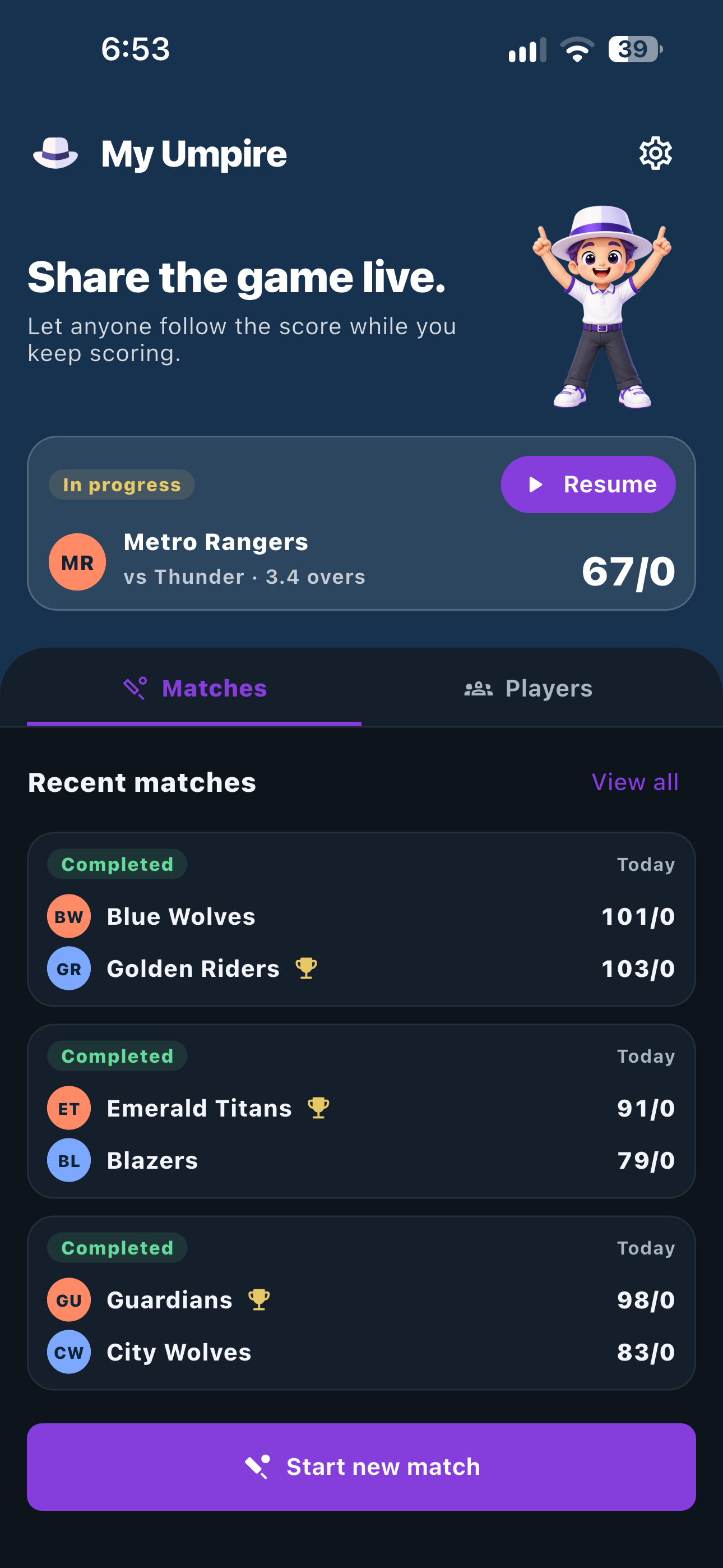
Find an older match
- Search by team name.
- Filter by All, In progress or Completed.
- Sort by Newest or Oldest.
- Tap a completed match to open its scoreboard.
Delete matches
Swipe a match in the history and confirm to delete it with its scoring history. Clear history deletes every saved match. Neither can be undone.
Frequently asked questions
Does closing the app lose my match?
No. Recorded balls are saved, and you can resume the match later.