
Each saved player builds a record across the matches you score.
Short answer
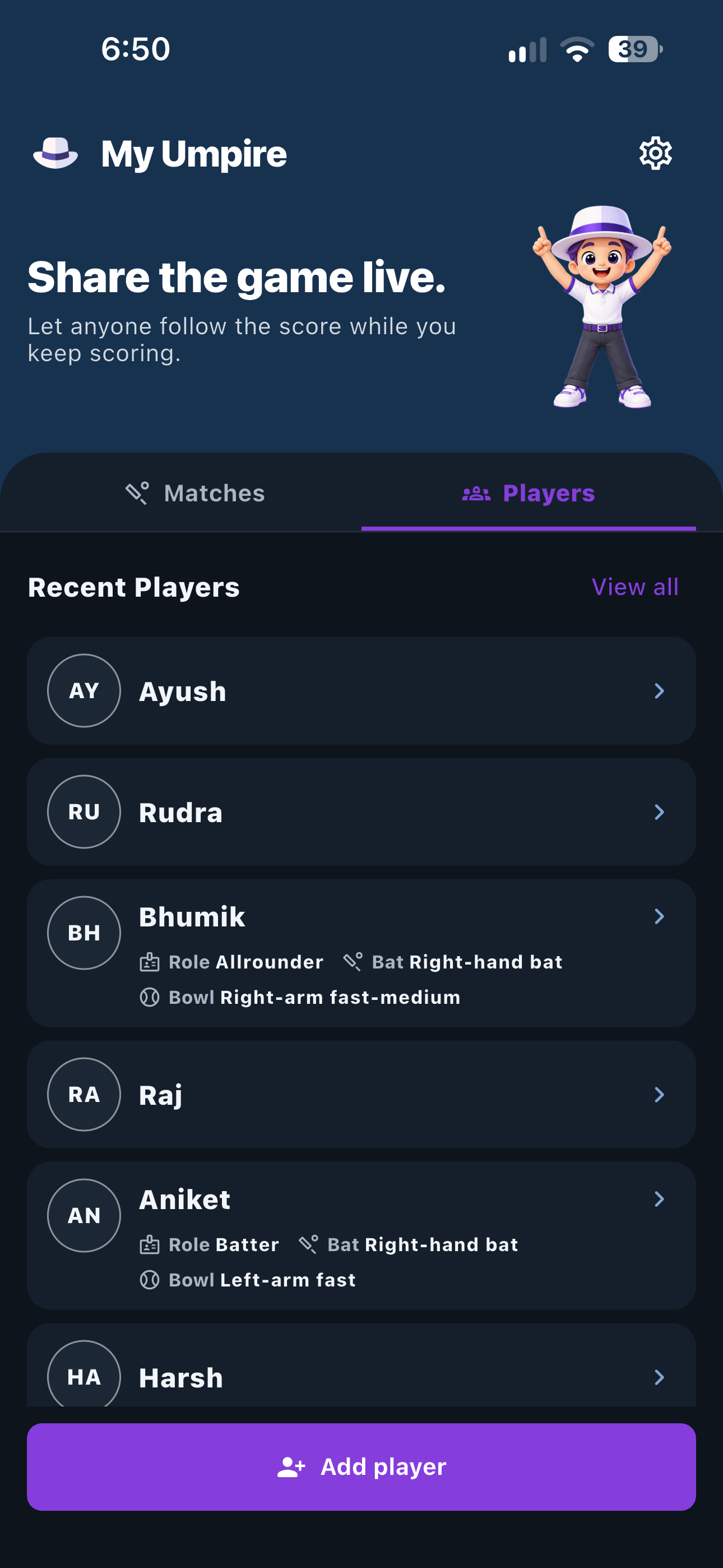
Open the Players tab on the home screen and tap a player to see their figures.
Add or edit a player
- Tap Add player.
- Enter a unique name of up to 20 characters.
- Choose a role, batting style and bowling style if you like.
- Save the player.
Read a profile
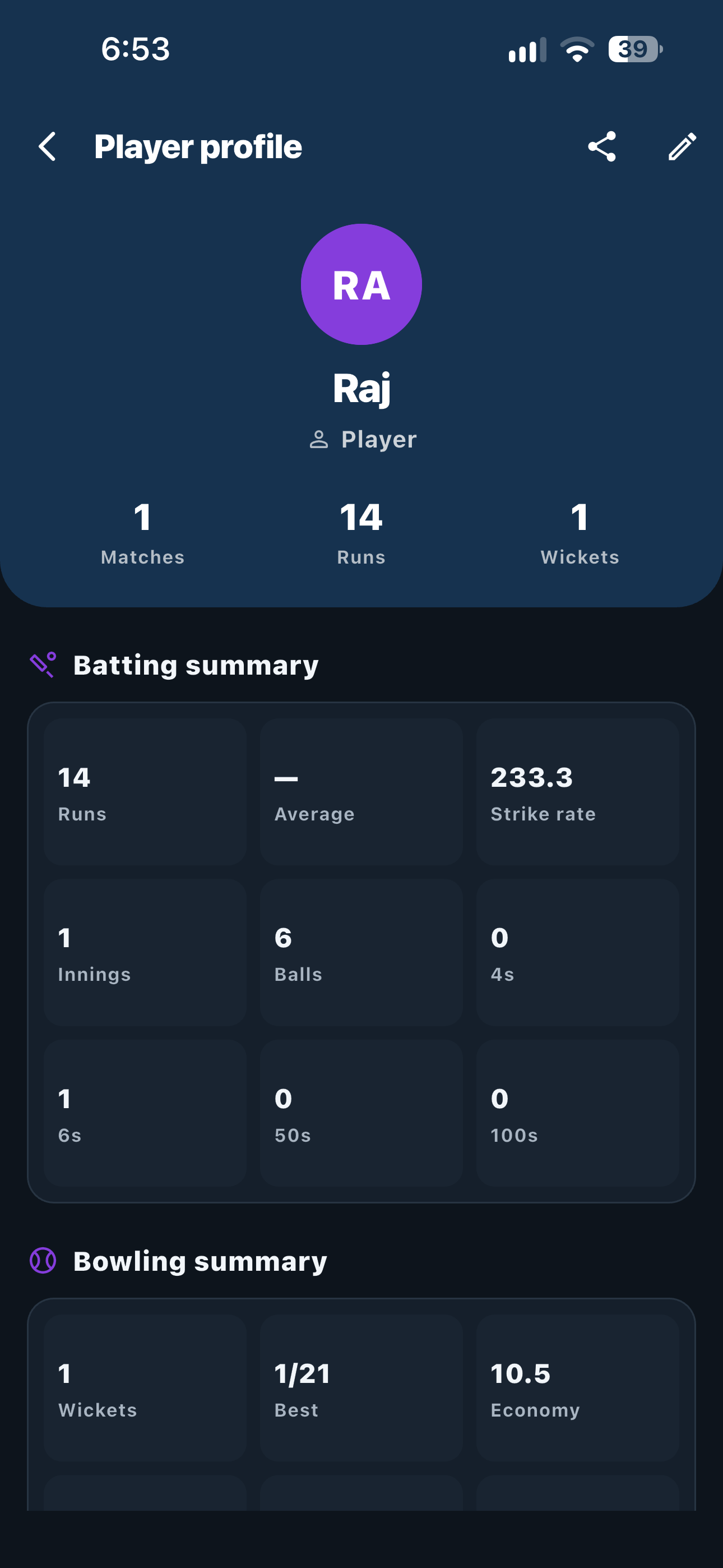
A profile shows matches, runs and wickets, then batting and bowling summaries including average, strike rate, best figures and economy. Tap the share icon to send it as an image, or the pencil to edit.
Find and remove players
- Search by name, filter by All, Batters, Bowlers, Allrounders or Keepers, and sort A-Z, Z-A or Recent.
- Swipe a player to remove them from future selections. Old matches still show them, and Undo is offered straight away.
Frequently asked questions
Why does a player have no stats?
Figures come from matches where the player was chosen by name. Placeholder players in quick matches are not linked to a profile.