
A few switches make long matches more comfortable.
Short answer
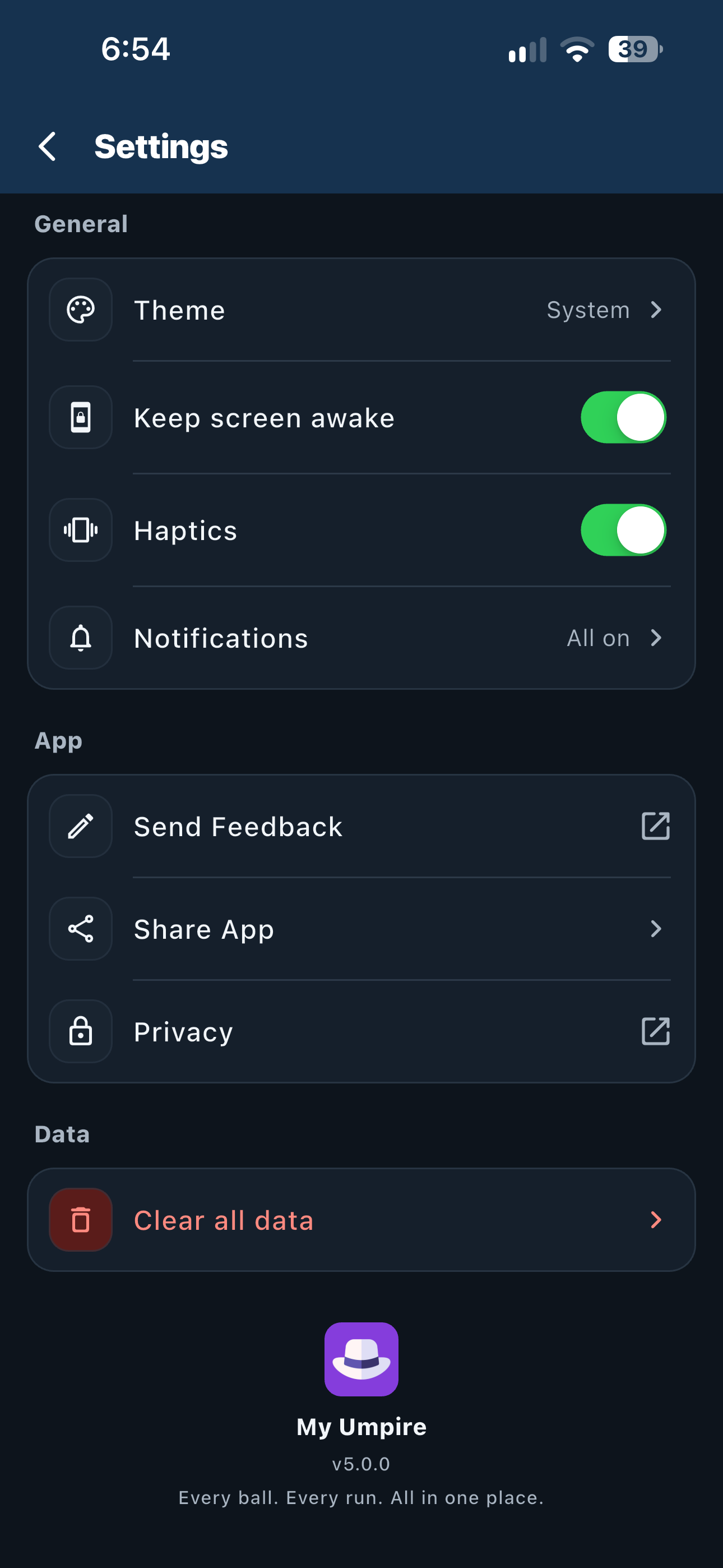
Tap the gear icon on the home screen to open Settings.
General settings
| Setting | What it does |
|---|---|
| Theme | Choose System, Light or Dark. |
| Keep screen awake | Controls whether the screen is kept on. |
| Haptics | Turns vibration feedback on or off. |
| Notifications | Choose which notification types you receive. |
Feedback, sharing and privacy
Send Feedback opens the feedback form, Share App sends the app to a friend and Privacy opens the privacy policy.
Clear all data
This permanently removes match history, scoring data and players on the device. Your settings stay as they are. It cannot be undone.
Frequently asked questions
How do I turn on dark mode?
Open Settings, tap Theme and choose Dark. System follows your phone’s own setting.