
Wrong button? Take it back and score it again.
Short answer
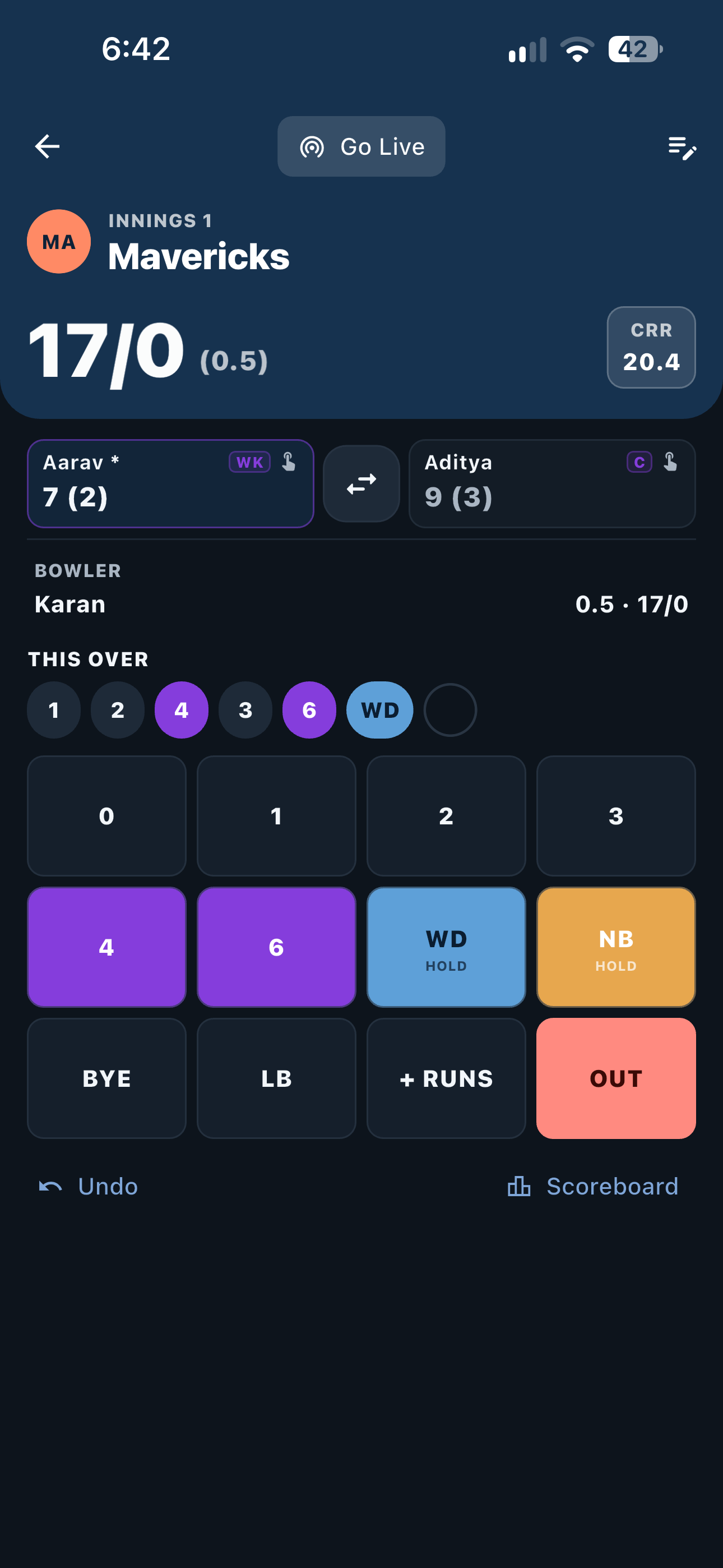
Tap Undo on the scoring screen to remove the last ball. You can undo up to five actions in a row.
Undo and redo
- Tap Undo below the scoring buttons.
- Check the score and the current over.
- Score the ball correctly. If you undid too far, tap Redo before scoring anything new.
Limits
Check the score before you move past the end of an innings, because the innings break and result screens do not offer undo.
- Up to five actions can be undone in a row. Scoring a new action starts the count again.
- Redo is no longer available once you score something new.
- In a quick match, the over break offers Undo last ball before you start the next over.
- With player names on, choose the next batter or bowler if asked, then tap Undo.
- Once the second innings has started and no ball has been bowled, there is nothing to undo.
Frequently asked questions
Can I fix a ball from several overs ago?
Only the most recent actions can be undone, so fix mistakes as soon as someone spots them.