
No coin in anyone’s pocket? The app has one.
Short answer
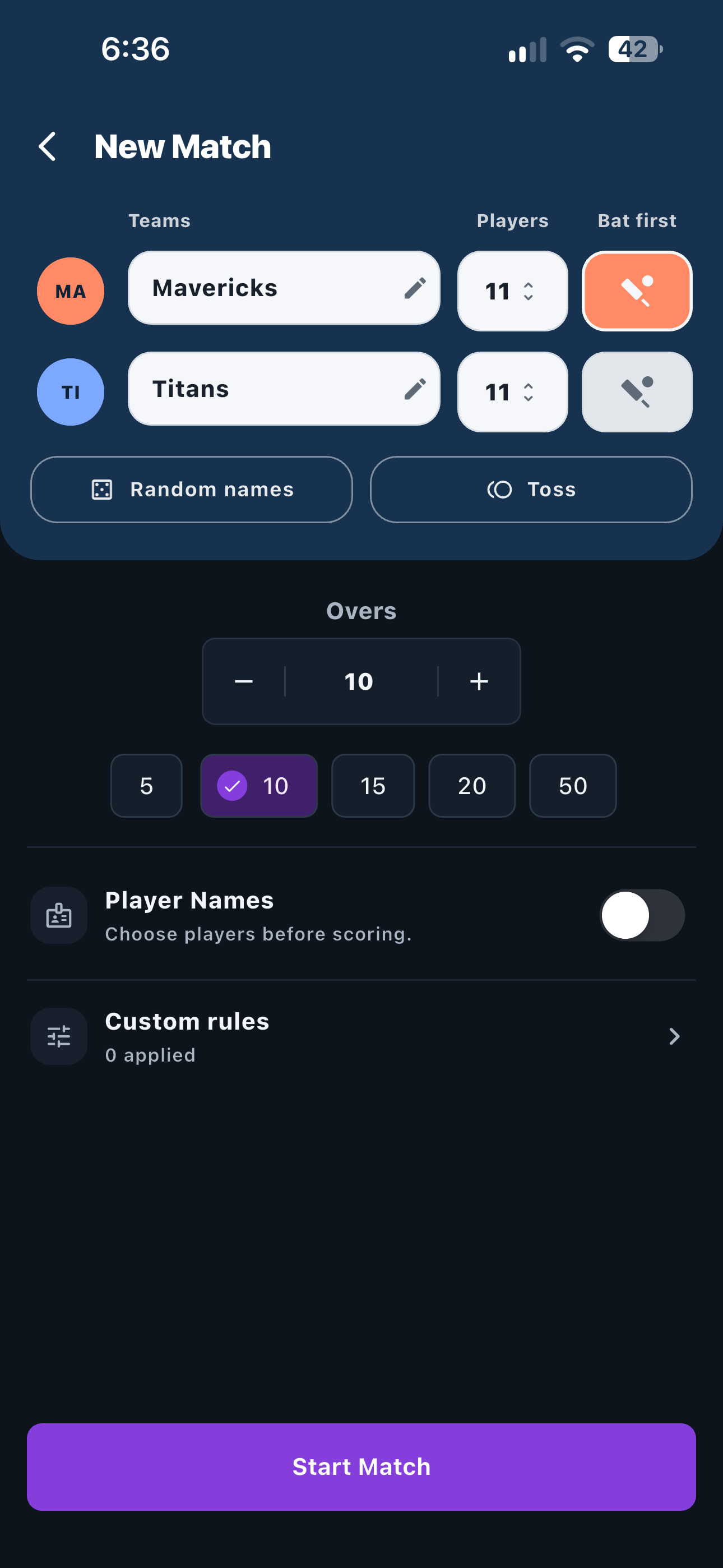
On New Match, tap Toss, flip the coin, choose the winner and their decision, then tap Apply toss.
Do the toss
- Open New Match and enter the team names.
- Tap Toss.
- Tap the coin to flip it.
- Under Toss winner, choose the team that won.
- Under Winner chose, select Bat or Bowl.
- Check which team bats first, then tap Apply toss.
If you toss with a real coin
You can skip the toss and simply tap the bat button beside the team that is batting first. Changing the batting side by hand clears a toss you applied earlier.
No coin and no app? The online coin toss works in any browser.
Before you toss
- Agree which captain calls, and have the call made out loud.
- Settle house rules first, so the decision to bat or bowl is made knowing them.
- Check that both teams and players are set.
Frequently asked questions
Is the toss shown after the match?
Match details on the scoreboard include the toss winner and decision.