
You can be scoring in under a minute. Player names are optional.
Short answer
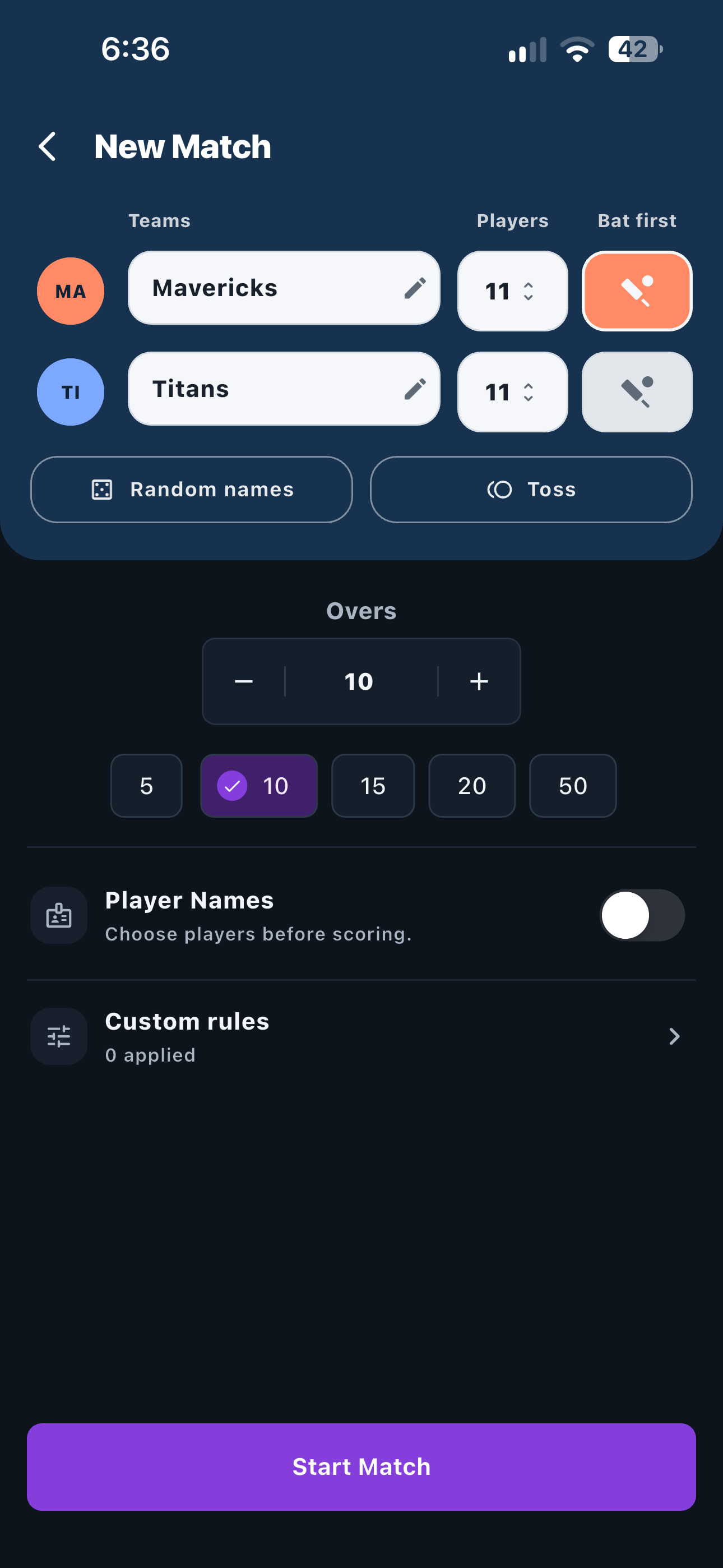
Open New Match, name the teams, choose the overs and the side batting first, then tap Start Match. Leave Player Names off to start without a team list.
Quick match, without names
- Open New Match.
- Type both team names, or tap Random names.
- Set the number of players for each team.
- Tap the bat button beside the team batting first, or tap Toss to flip a coin and choose.
- Set the overs.
- Leave Player Names off and tap Start Match.
Match with player names
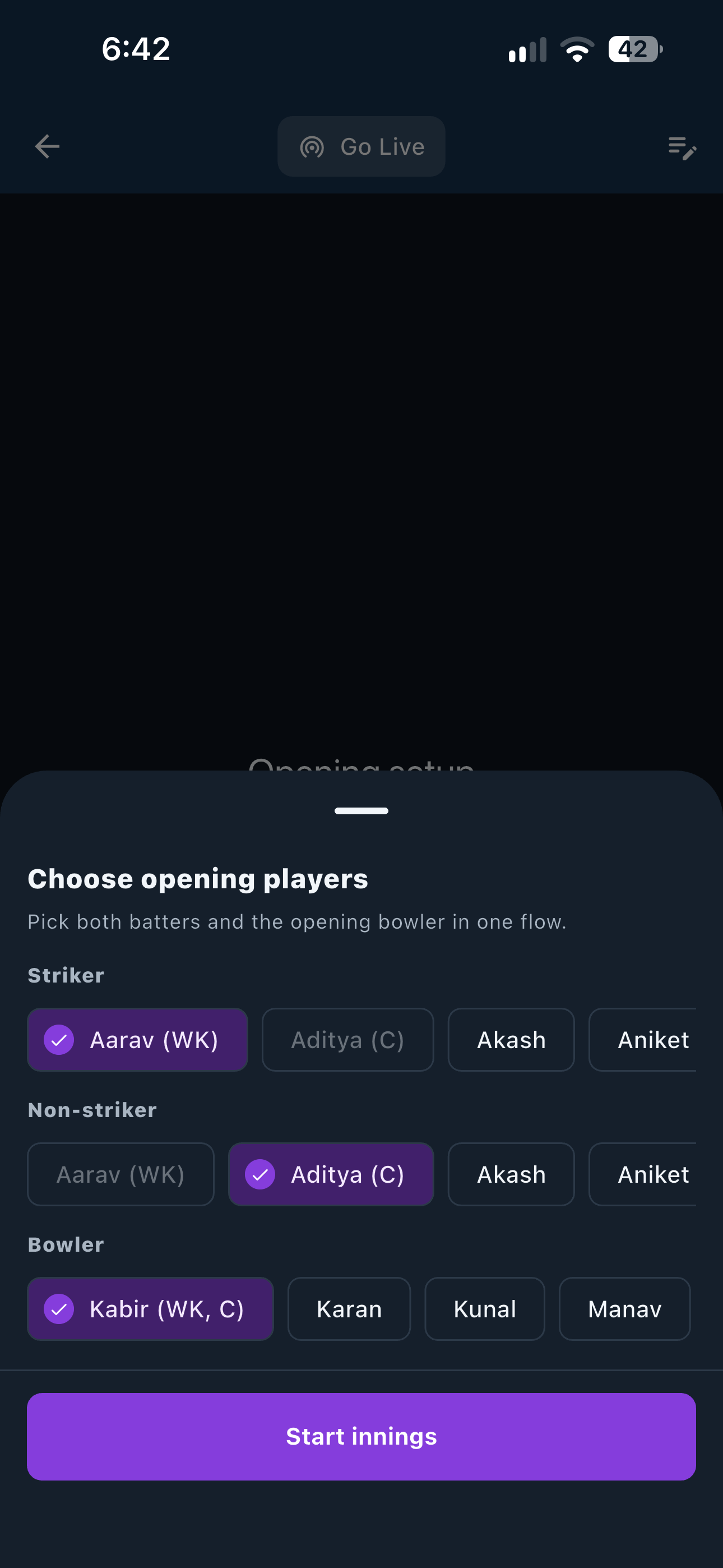
Turn on Player Names to choose your players before scoring. The app then asks who is opening the batting and bowling, and keeps figures against each name.
Frequently asked questions
Can a team have fewer than 11 players?
Yes. Each team can have from 2 to 30 players, and the two sides do not need to match.
Do I need internet to start a match?
No. Creating and scoring a match works offline.